Here’s a problem that anyone who has used Anki seriously will recognise.
You find a great shared deck — 2,000 most common Thai words, say. You import it. Now you have 2,000 cards waiting in your review queue. You start studying. Three weeks in, you’re doing 80 reviews a day and still seeing words that have no relevance to how you actually use the language. Your motivation collapses and the deck gets abandoned.
The deck wasn’t bad. The process was.
The problem with dumping everything into a queue
Most vocabulary apps treat import as the end of the workflow. You bring in a word list, and from that moment on every word is a card, every card is a review, and every review is a task you’ve committed to. There’s no gate.
This is fine if you’ve hand-picked every word you add. It becomes a mess the moment you import anything in bulk — an Anki deck, a CSV file, a list of words you’ve been collecting. Bulk imports always contain words you don’t need yet, words you already know, and words that won’t be useful at your current level.
Studying the wrong words isn’t just inefficient. It’s demoralising. A review queue that grows faster than you can clear it is a review queue you’ll eventually stop opening.
Triage: a decision before a commitment
Language Den adds a step between importing words and studying them: triage.
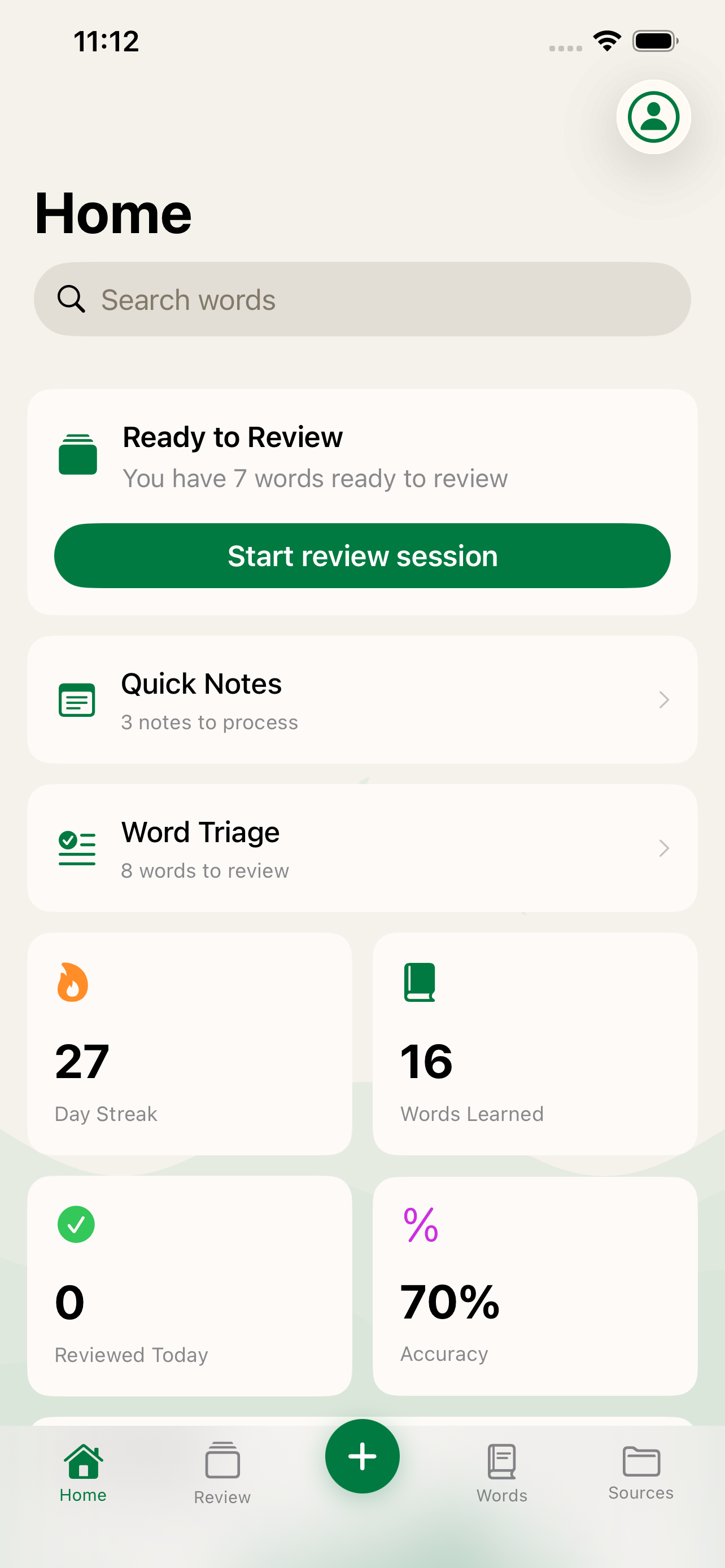
When words arrive in Language Den — whether through an Anki import, a CSV file, or a Quick Note you captured on the go — they go into a triage queue first. Before any flashcard is generated, before any review is scheduled, you see each word and make a simple decision.
Generate — this word is worth learning; queue it for flashcard generation. After triage, Language Den batch-generates all the cards you’ve marked.
Keep — add the word to your deck as-is, without generating a flashcard yet.
Delete — this word is irrelevant or already known, remove it entirely.
That’s the whole thing. One word at a time, a few seconds each. The words you generate or keep go into your deck. The rest are gone.
Why this works
The decision to study a word and the act of studying it are different things. When you’re importing a deck, you’re in a curation mindset — you’re looking at words and judging their relevance. When you’re doing a review session, you want to be focused on recall, not deciding whether a word should even be there.
Triage separates those two modes. You make the curation decisions once, upfront, when your attention is on the content. Then review sessions stay clean — every card that appears is something you’ve explicitly decided is worth your time.
There’s also a psychological benefit. A deck you’ve triaged feels like yours. You didn’t passively inherit 2,000 cards — you reviewed them and chose the ones that matter. That sense of ownership turns out to be surprisingly good for motivation.
Being ruthless is the right move
The most common mistake in triage is being too generous. It feels wasteful to delete a word. What if you need it later?
The answer is: words that aren’t ready yet can simply be kept without generating flashcards — or you can delete and re-add later. What you can’t easily undo is the fatigue of reviewing hundreds of cards you don’t care about for months.
A few useful heuristics:
- Delete anything you already know. Testing yourself on “bonjour” if you’ve spoken French for five years is just noise.
- Delete anything that’s too advanced right now. A beginner deck shouldn’t include literary vocabulary.
- Delete anything irrelevant to how you’ll use the language. Learning Thai for travel? Legal vocabulary can wait.
- Generate phrases and idioms. These are often the most underrated additions to a deck.
The triage workflow in practice
The most natural time to use triage is right after a bulk import. Import your Anki deck or CSV, go through triage, and your review queue starts clean — with only the words you’ve chosen.
It also works well for Quick Notes. Capture words throughout the day without worrying about whether they’re worth studying. Then go through triage at a slower moment, make decisions with a clearer head, and only the best ones make it into your deck.
The goal isn’t to have a big deck. It’s to have a useful one.
Words arrive in Language Den through import or Quick Notes and wait in triage before any flashcards are created. You decide what’s worth studying — the app handles the rest.