You’re watching a Thai drama and a word you don’t know lands perfectly in context. You recognise you’d use it constantly if you knew it. You think: I’ll look that up later.
Later comes. The word is gone.
This is the most common failure mode in vocabulary learning, and it’s got nothing to do with your memory or your study method. It’s a capture problem. You encounter words worth learning constantly — on menus, in conversations, on signs, in shows — but the moment passes before you do anything about it.
Why the moment matters
Good vocabulary encounters have two things working in your favour: context and motivation.
When you see a word on a restaurant menu while you’re trying to order, or in a message someone just sent you, you have an immediate, concrete reason to know it. That’s the best possible time to capture it. The word is attached to a real situation, which makes it more memorable when it comes up in review later.
Wait until you’re back at your desk, or until you have time to open a dictionary, and both advantages evaporate. The context fades. The motivation shifts. The word never gets added.
The fix isn’t better discipline. It’s removing the friction so the capture takes less time than the hesitation.
Quick Notes: capture now, study later
Language Den has a feature built specifically for this: Quick Notes.
The idea is simple. When you encounter a word you want to learn, open Language Den, add it to Quick Notes immediately. You don’t need to write a definition. You don’t need to find an image or write an example sentence. You just write the word, and sometimes a note about where you saw it, and you’re done. The whole thing takes five seconds.
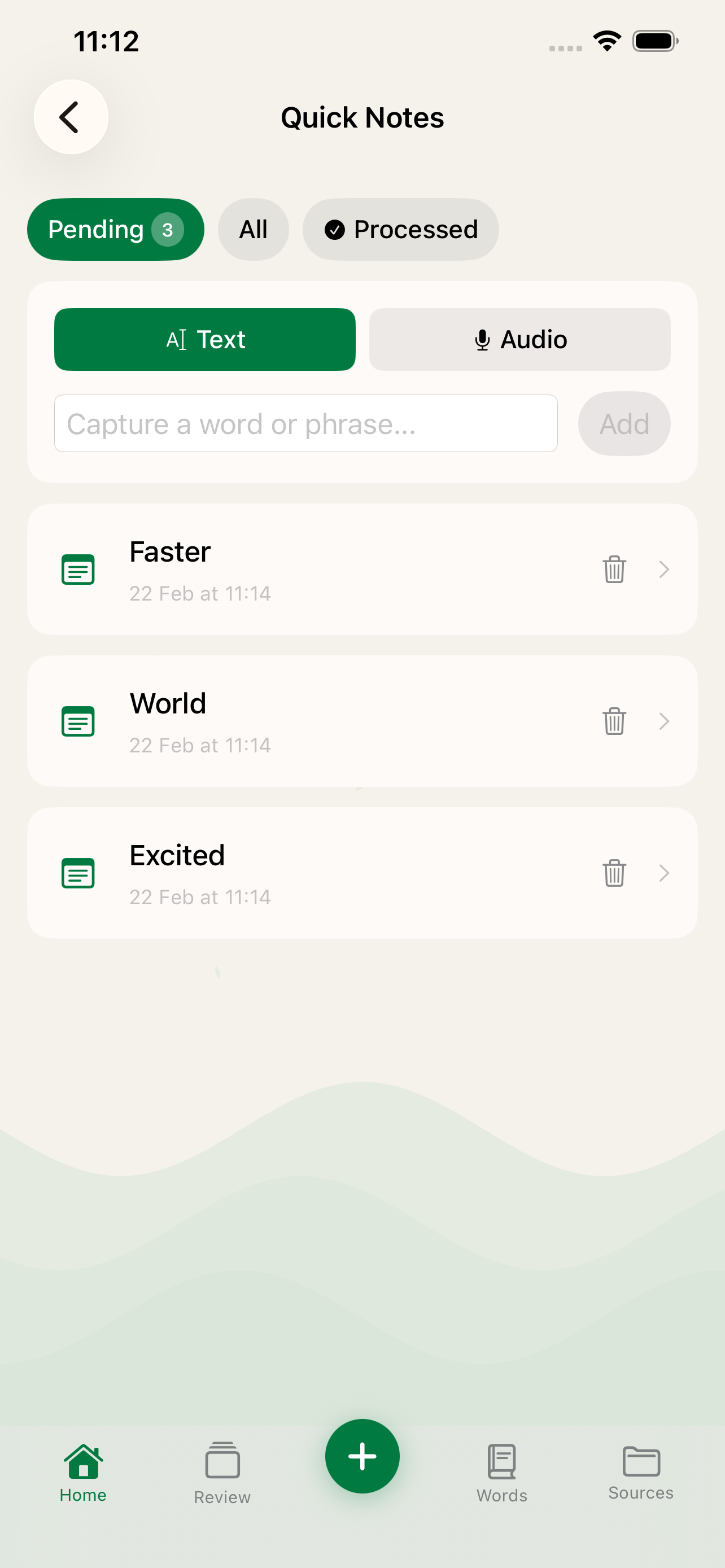
The word sits in your Quick Notes until you have time to deal with it properly. Later, on your commute, over coffee, whenever suits you, you go through your captured words and turn them into proper flashcards. Language Den can generate a definition, example sentence, and image automatically, so the upgrade from rough note to full card doesn’t take long.
What this looks like in practice
You’re reading a news article and hit a word you don’t know. Open Language Den, add it to Quick Notes, keep reading. Thirty seconds of interruption.
You’re watching a show and something catches your ear. Pause, add it, unpause. The scene context is still fresh when you go back.
You’re out and see something on a sign you don’t understand. Add it while you’re standing there. When you review it later, you’ll likely remember exactly where you saw it, which makes it more memorable.
At the end of the day, or whenever you have ten minutes, you open Quick Notes and process the batch. Review what you captured, trigger AI generation for the ones worth turning into cards, and they’re in your deck ready for review.
The studying happens later. The capturing happens immediately, in the moment, before it’s gone.
The habit that makes immersion work
Immersion learning, living your life around your target language, is one of the most effective ways to build vocabulary. But it only works if you can extract the useful encounters and do something with them.
Watching shows, reading articles, listening to podcasts: you’re being exposed to thousands of words. Most of them you already know. A small number are exactly at the edge of your current knowledge, the ones that would actually move you forward. The trick is catching those when you see them.
Quick Notes is the net. Without it, useful encounters wash past you. With it, they become cards in your deck.
Keep your Quick Notes short
One note worth making: Quick Notes works best as a temporary holding area, not a second deck.
If you let words pile up in Quick Notes for weeks without processing them, the context that made each one meaningful will fade. You’ll end up with a list of unfamiliar words and no memory of why you wrote them down. That’s not much better than not writing them at all.
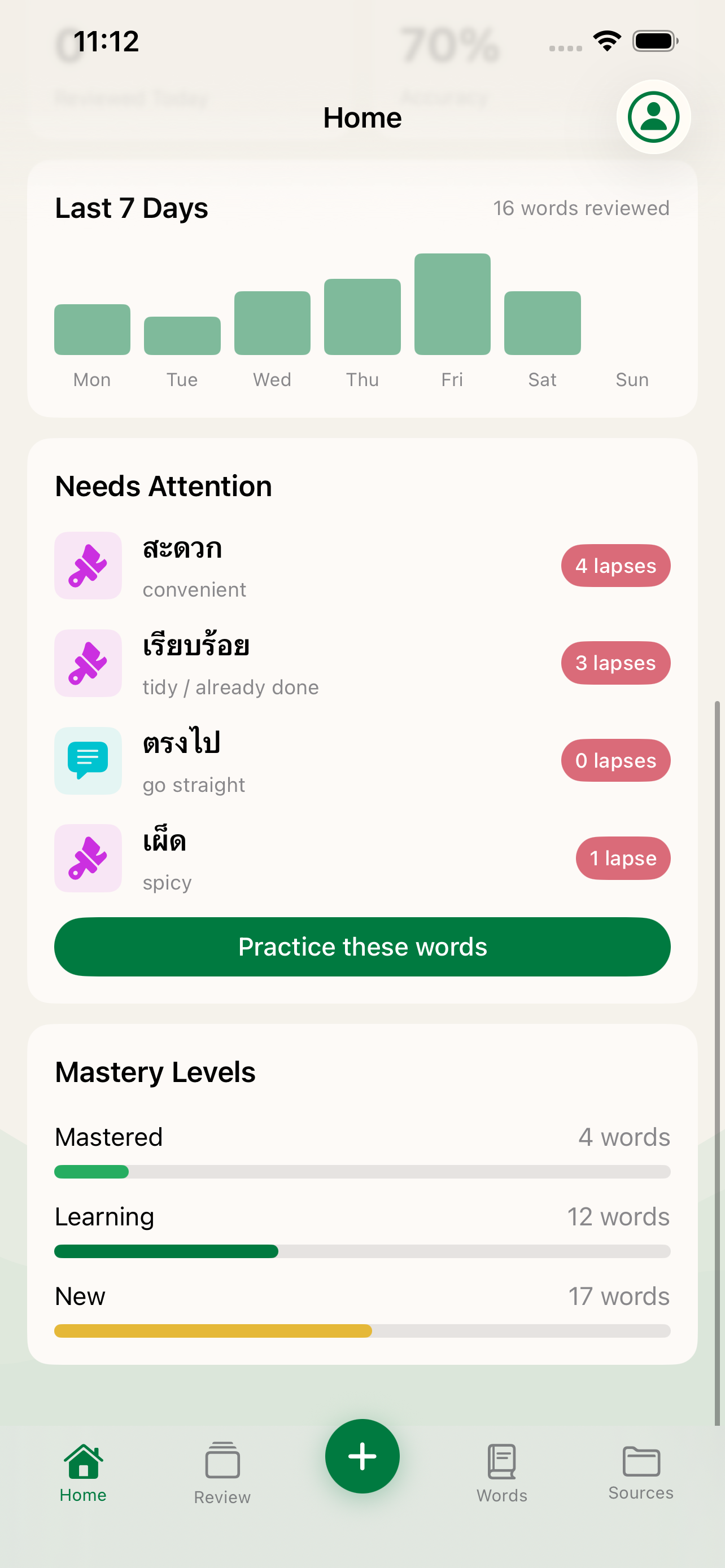
The habit to build is a quick daily or weekly review of whatever you’ve captured. Five or ten minutes to turn yesterday’s captures into today’s cards. Keep the queue short and the captures stay useful.
Language Den is available on the App Store. Quick Notes is available in the free tier.